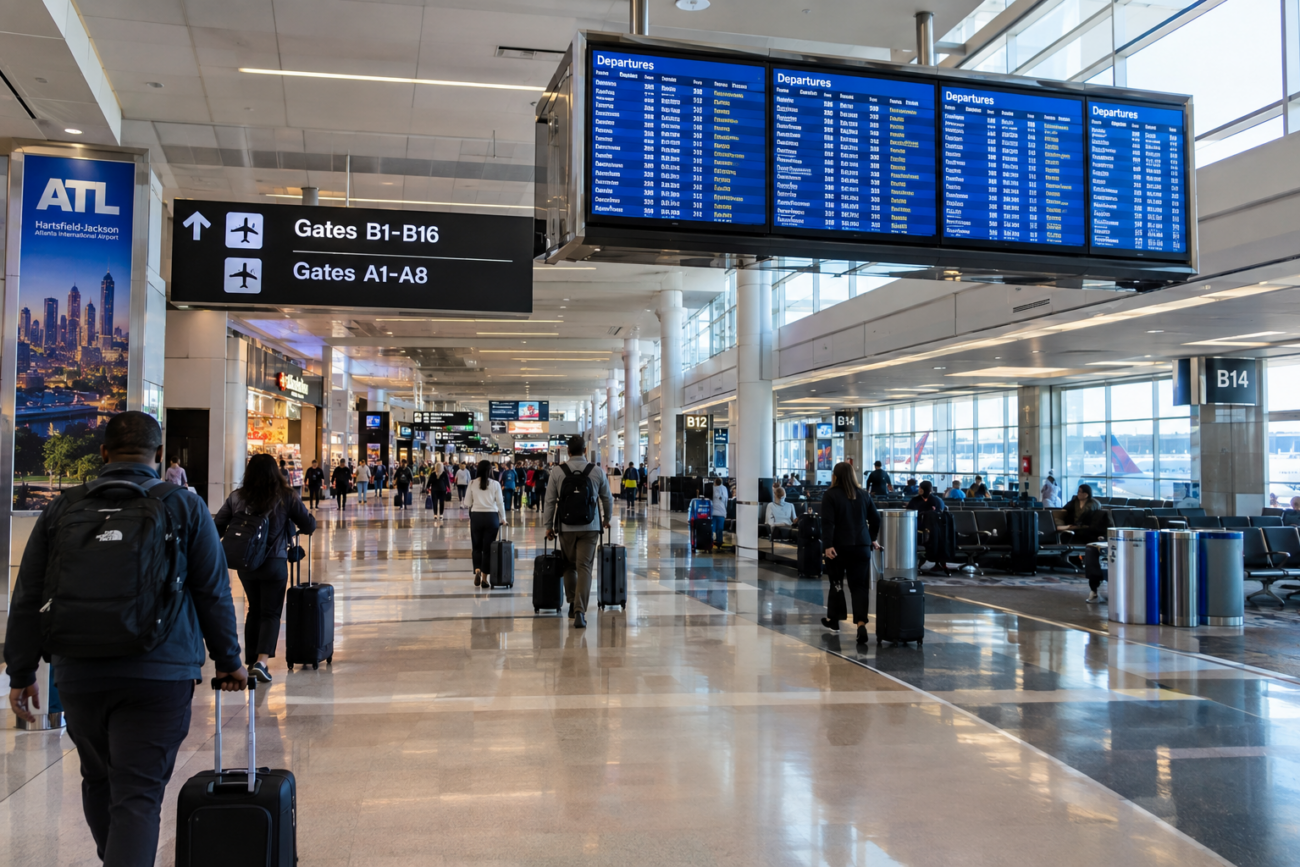
Airport Wi-Fi safety is critical when traveling through major US hubs like Hartsfield-Jackson in Atlanta, Dallas/Fort Worth, or Los Angeles International. While connecting to airport networks has become as routine as your boarding pass, unsecured Wi-Fi exposes your banking passwords, emails, and personal information to cybercriminals—risks that security experts consistently warn about.
1. Use a VPN at Atlanta Hartsfield-Jackson International Airport
Atlanta, Georgia
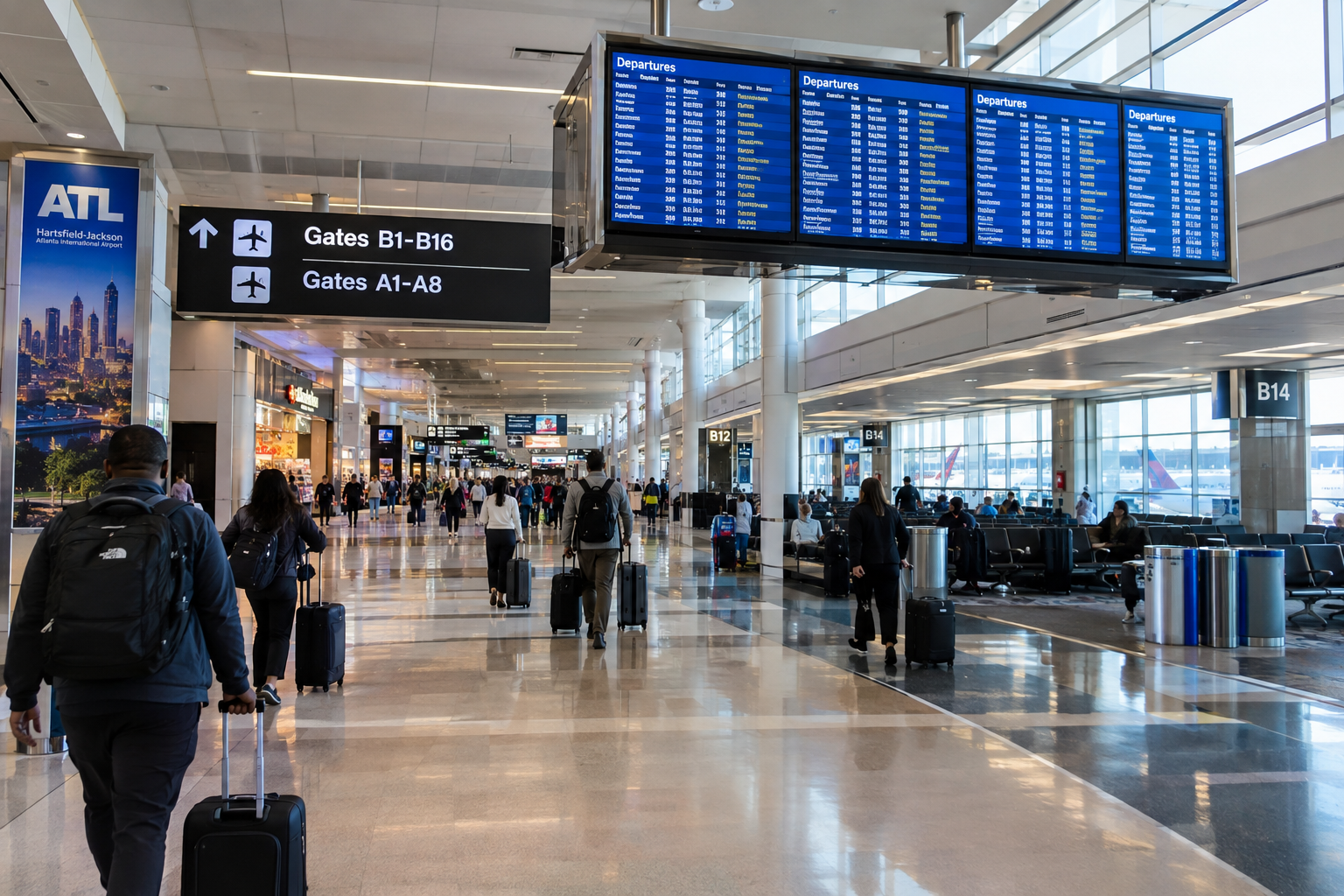
Hartsfield-Jackson, America's busiest airport serving millions of passengers annually through its sprawling concourses, offers multiple Wi-Fi networks—but open connections leave you vulnerable. A Virtual Private Network (VPN) encrypts all your internet traffic, making it invisible to hackers on the airport's public networks. For things to do while waiting and staying connected safely, cybersecurity experts consistently recommend VPNs as your first line of defense when accessing any public airport Wi-Fi in Atlanta.
Fun fact: Hartsfield-Jackson processes more international passengers than any other US airport, with travelers from 150+ countries creating a prime target for cybercriminals seeking financial data.
Tip: Download and test your VPN before arriving at Atlanta airport. Many free airport Wi-Fi spots have connection limits—premium VPN services often work more reliably on congested networks. Allow 10 extra minutes for the connection to establish before accessing sensitive accounts.
2. Avoid Banking and Shopping on Dallas/Fort Worth Airport Wi-Fi
Dallas, Texas
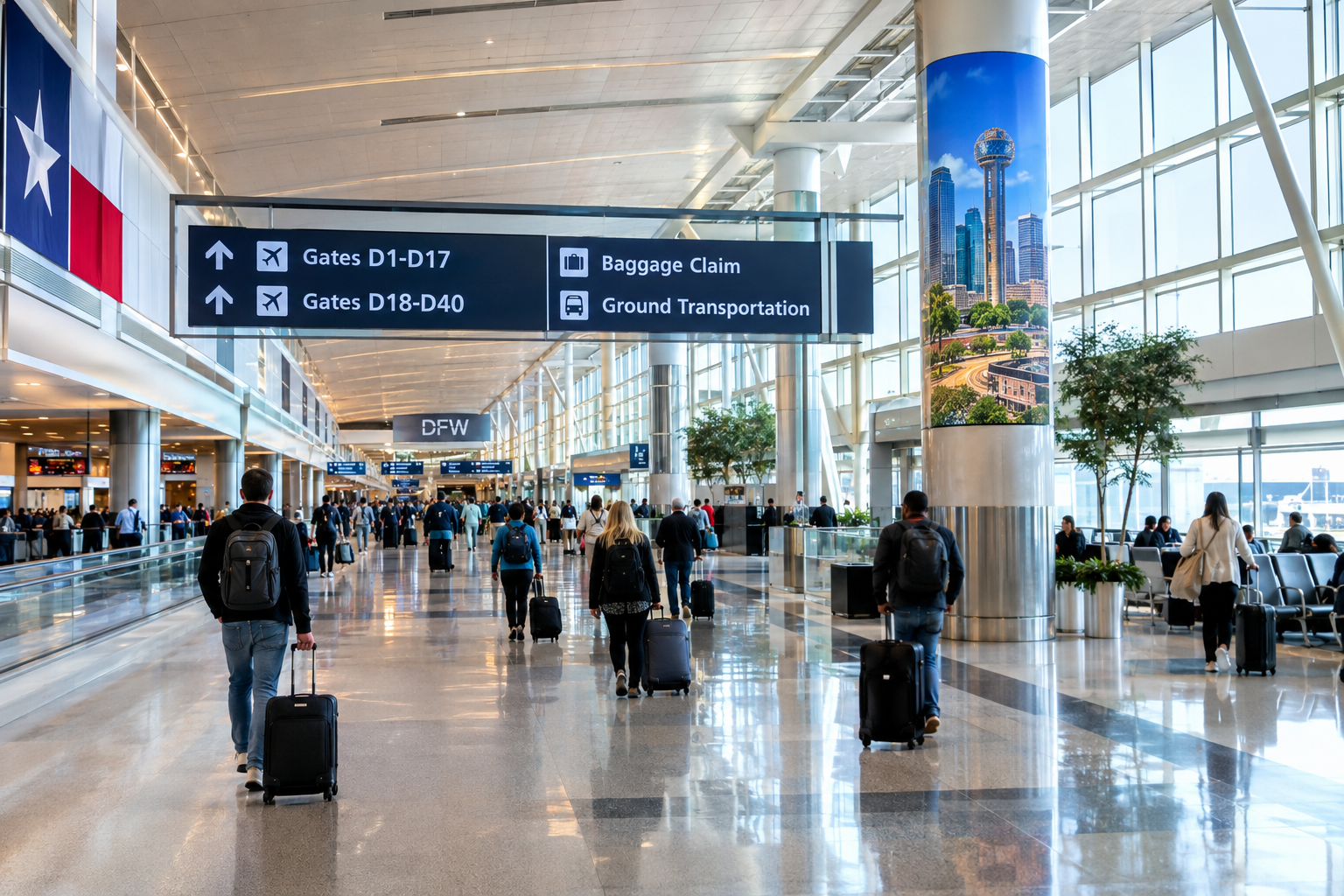
DFW International serves over 75 million passengers annually and offers multiple Wi-Fi networks throughout its terminals, but it's precisely where hackers expect vulnerable travelers to conduct financial transactions. Cybersecurity professionals warn that any banking activity or shopping on unsecured Wi-Fi puts your accounts at immediate risk of credential theft. Best practices for airport travel in Dallas recommend waiting until you reach your destination or using mobile data instead for all financial activities.
Fun fact: DFW is one of the few major US airports where hackers have been documented running fake Wi-Fi hotspots mimicking the official airport network—a technique called 'evil twin' attacks targeting travelers.
Tip: Disable auto-connect features on your phone before arriving at Dallas/Fort Worth airport. Use your cellular data plan for any banking, shopping, or password changes. If you must use airport Wi-Fi, limit yourself to reading news or emails that don't require login credentials or sensitive information.
3. Enable Two-Factor Authentication Before Flying from Los Angeles International
Los Angeles, California
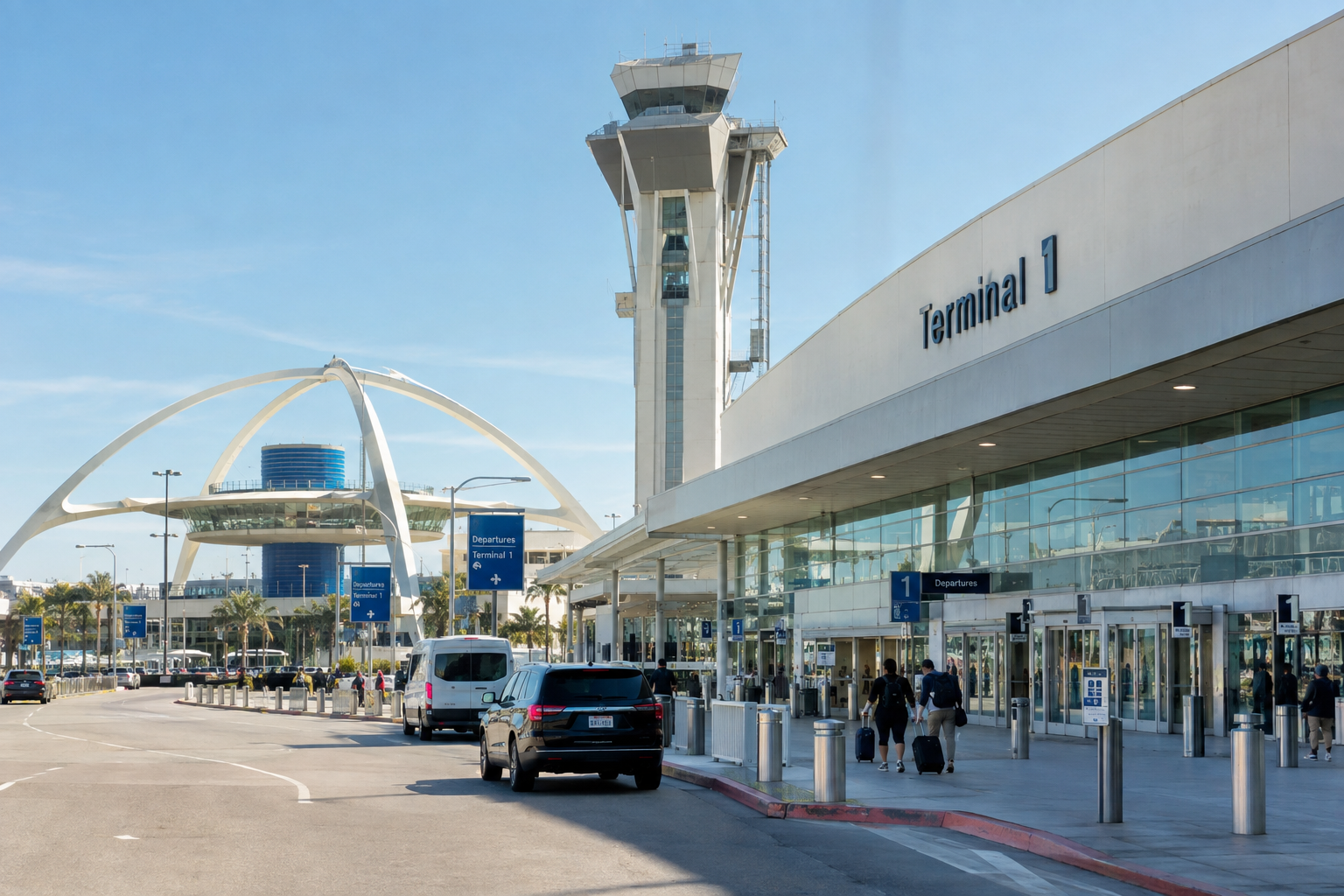
LAX processes over 84 million passengers yearly and hosts international travelers with expensive equipment and valuable data—making it a target for identity thieves exploiting weak authentication. Two-factor authentication adds a second verification step even if your password is compromised on the airport's Wi-Fi network. For hidden gems of airport security best practices, most banks, email providers, and major websites now offer this essential feature before any trip departing from Los Angeles.
Fun fact: Cybersecurity researchers found that international travelers face three times higher risk of account compromise at major US hub airports like LAX, where attackers often target multiple nationalities and valuable business information.
Tip: Activate two-factor authentication on your email, banking apps, and cloud storage at least one week before your LAX flight. Choose authentication apps (like Google Authenticator) rather than SMS when possible—text messages can be intercepted on airport networks. Test the setup at home to avoid delays at the terminal.
4. Use Mobile Hotspot Over Airport Wi-Fi at Chicago O'Hare International
Chicago, Illinois
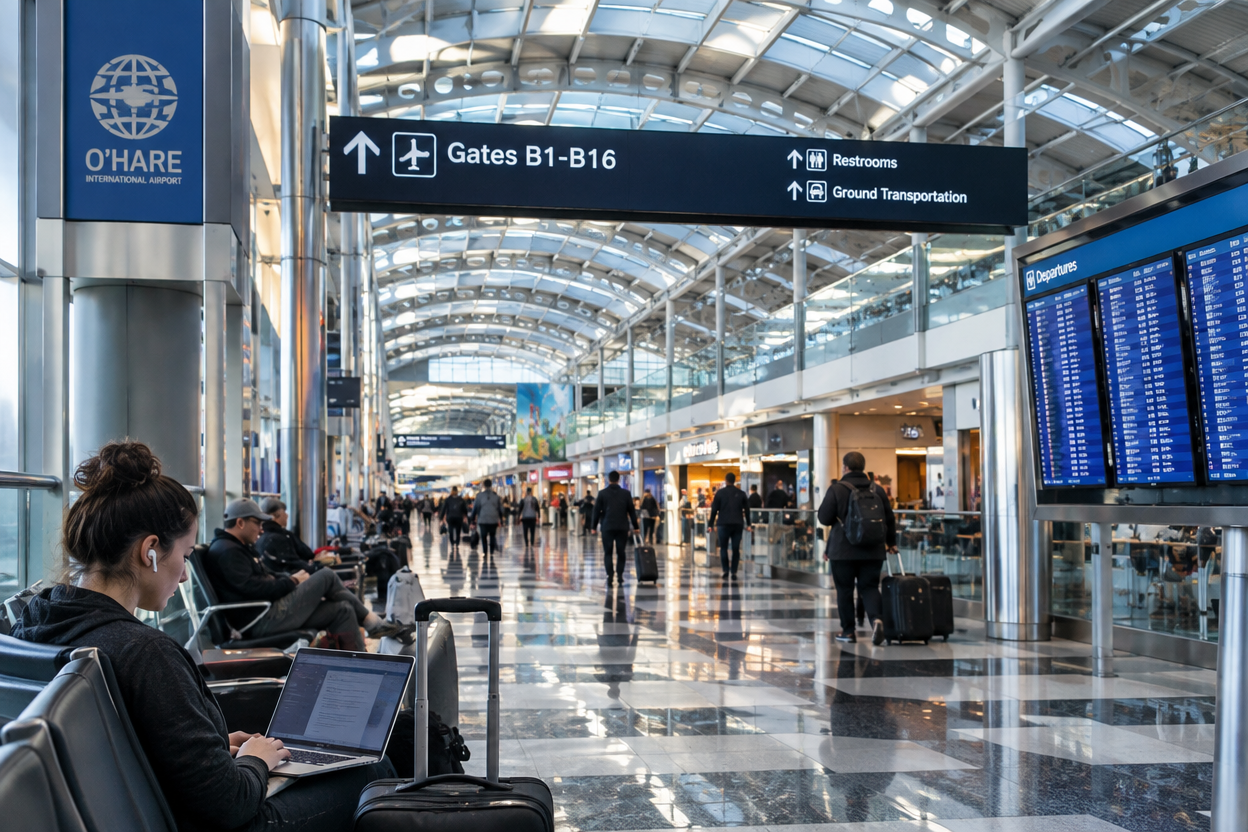
O'Hare handles over 80 million annual passengers and despite offering premium Wi-Fi in lounges, it remains a hunting ground for cybercriminals intercepting unencrypted data. Your phone's personal hotspot using your cellular data is far more secure than any airport network—it's encrypted by default and only your device can access it. Security experts recommend this as your primary connection method for sensitive tasks during airport layovers or connections in Chicago.
Fun fact: Chicago O'Hare has experienced multiple documented cases of sophisticated 'man-in-the-middle' attacks where hackers intercepted traveler information without triggering security alerts, affecting thousands of passengers.
Tip: Check your cellular plan's hotspot data limits before your trip to O'Hare airport. Most modern smartphones can tether devices reliably at major terminals. Keep your phone charged—bring a portable battery pack as a backup since hotspot use drains battery faster during airport waits.
5. Verify the Authentic Network Name at Miami International Airport
Miami, Florida
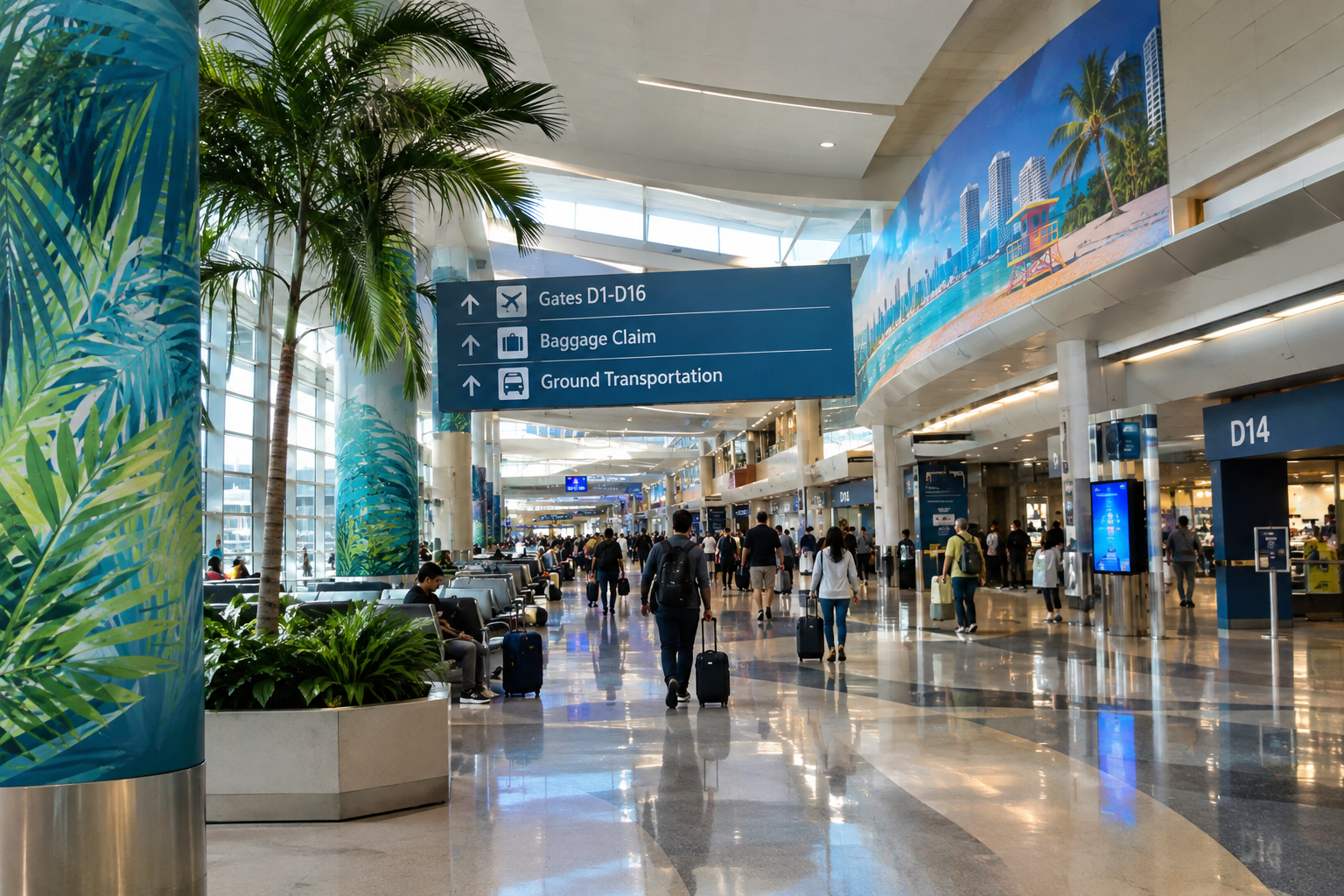
Miami International processes 45+ million passengers annually and hosts countless international visitors, making it prime territory for fake Wi-Fi networks mimicking the official airport connection. Cybercriminals create convincing 'evil twin' networks with names like 'MIA_Airport_Free' or similar variations to trick travelers into connecting and stealing their data. Always ask airport staff or check the official Miami airport website for the exact legitimate network name before connecting at this major travel hub.
Fun fact: Security researchers discovered that fake Wi-Fi networks at Miami International successfully harvested data from over 10,000 travelers before being detected and removed by airport IT teams in a single incident.
Tip: Write down the official Wi-Fi network name before leaving home by checking Miami airport's official website. At the terminal, verify this matches exactly what you see on your device. If multiple similar networks appear, ask an airport employee or visit the information desk. Never connect to networks you're unsure about, even if they seem official.
Before your next domestic flight, implement these security practices at any major US airport terminal. Protecting your financial accounts and personal data takes just a few precautions and minutes of preparation.
Frequently asked questions
Is it ever safe to use airport Wi-Fi without a VPN?
Airport Wi-Fi can be safe for basic activities like reading news or checking non-sensitive emails if you avoid logging into accounts. However, cybersecurity experts recommend using a VPN for all connections, even basic browsing, because sophisticated attackers can capture data from unencrypted traffic. The safest approach is always to use a VPN or mobile hotspot for your airport Wi-Fi safety.
Why do cybersecurity experts warn about airport Wi-Fi specifically?
Airports attract high volumes of travelers with valuable data like passports, financial accounts, and business information using open Wi-Fi networks. Hackers know this and concentrate their efforts there. Airport networks are also often poorly monitored compared to corporate networks, making it easier for attackers to operate undetected while stealing traveler data.
What's an 'evil twin' network and how do I avoid it?
An evil twin is a fake Wi-Fi hotspot with a name nearly identical to the legitimate airport network, designed to trick travelers into connecting. Hackers then capture all data passing through this fake network. Avoid it by confirming the exact official network name with airport staff or the airport's website before connecting.